This is the Windows version, accepting that Python on Windows is useless, and the only use for Windows is to host Linux, an operating system that actually works.
Open Settings.
Tap "Network & Internet".
At the top, tap Wi-Fi.
At the top, tap AndroidWiFi.
At the bottom, tap Advanced.
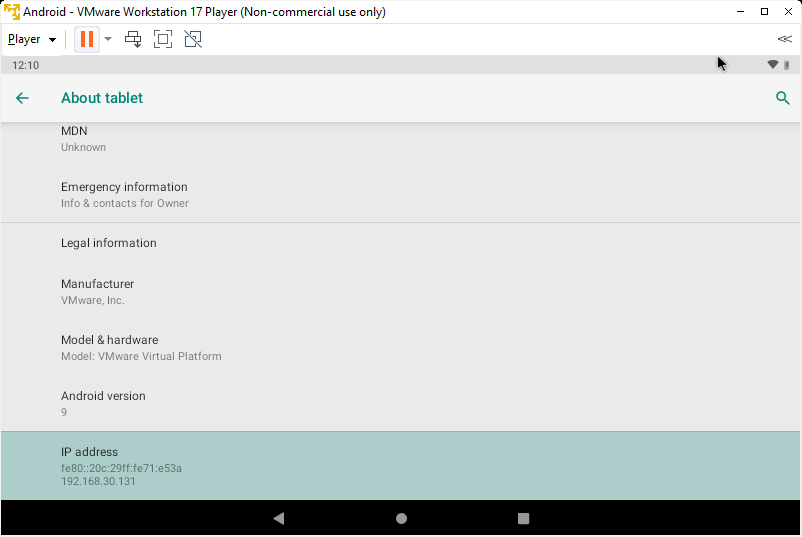
Find your device's IP address, as shown below.
adb connect 192.168.30.131
If not, you need to troubleshoot your networking.
After you establish a connection, execute this command to disconnect, replacing the IP address with the IP address of your Android emulator:
adb disconnect 192.168.30.131
sudo apt update
sudo apt install python3-venv

python3 -m venv venv
source venv/bin/activate
python3 -m pip install frida-tools
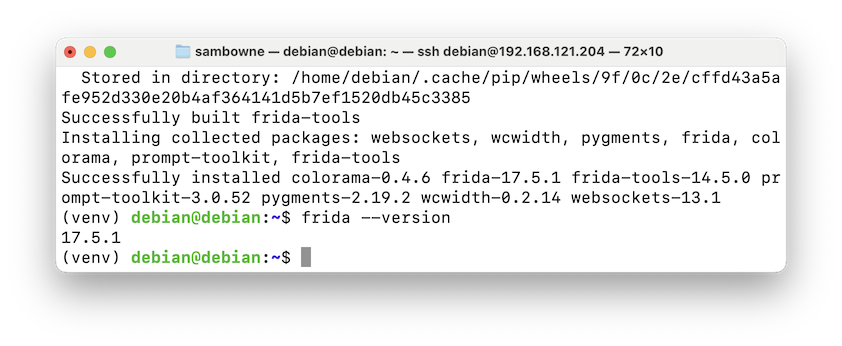
frida --version
https://github.com/frida/frida/releases
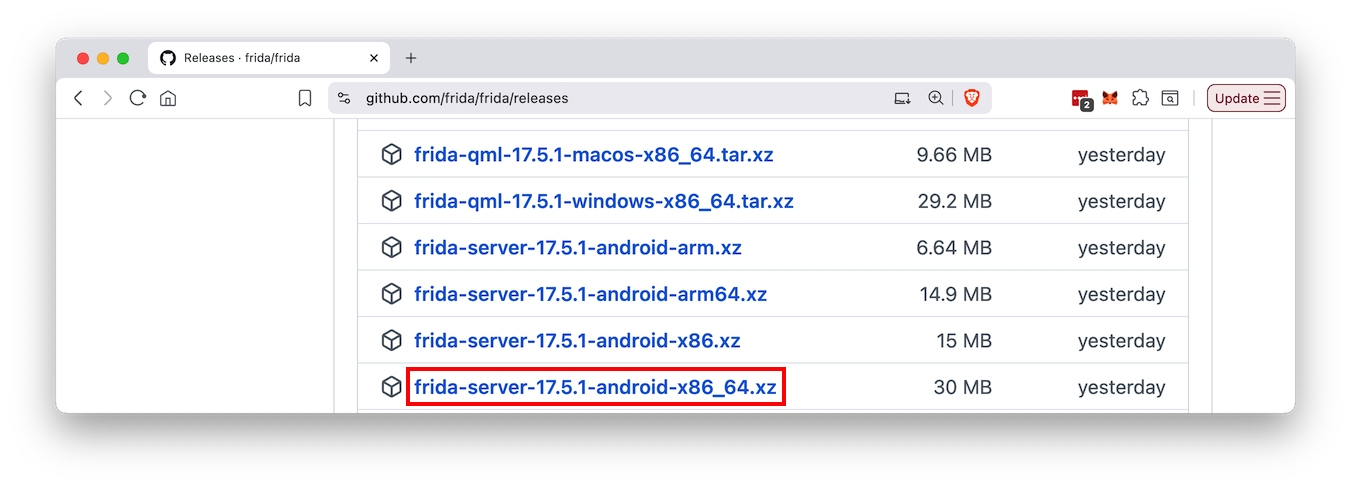
Download the appropriate version of frida-server for your emulator's processor, with the same version number you found above, or as close as possible.I used frida-server-17.5.1-android-x86_64.xz, outlined in the image below.
Download the file to your Downloads folder.
This will create a file in your Downloads folder without the .xz extension.
cd Downloads
adb connect 192.168.30.131
adb push frida-server-17.5.1-android-x86_64 /data/local/tmp/
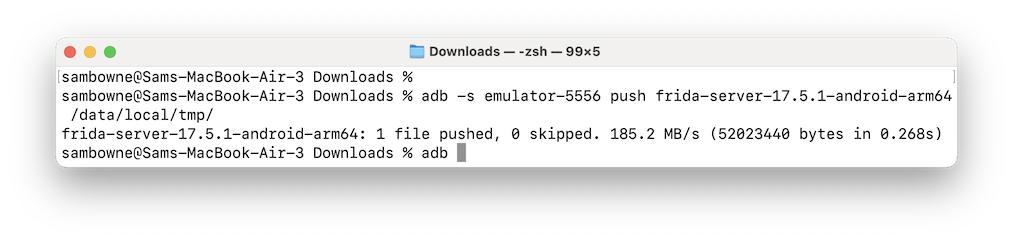
adb shell
su
chmod 755 /data/local/tmp/*
/data/local/tmp/frida-server-17.5.1-android-x86_64 -l 0.0.0.0:27042
Leave this window open.

source venv/bin/activate
frida-ps --host 192.168.30.131
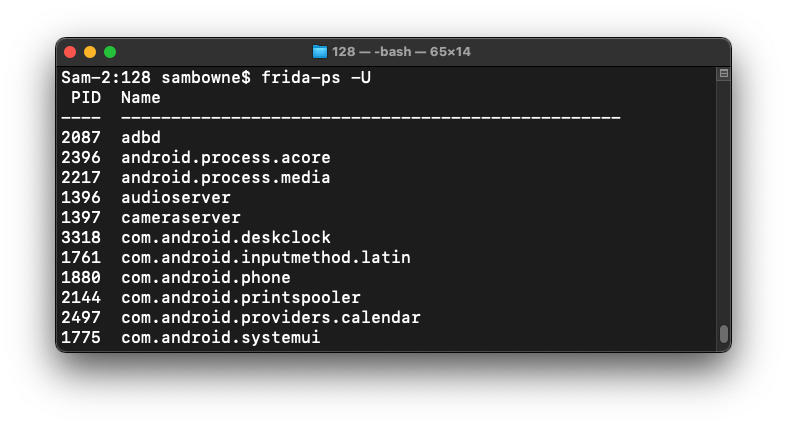
On your host system, in a Web browser, go to
https://github.com/OWASP/owasp-mastg/blob/master/Crackmes/Android/Level_01/UnCrackable-Level1.apk
On that page, on the right side, next to "Raw", click the download button to download UnCrackable-Level1.apk.If that page is not available, use this alternate link.
On your host Windows system, open a new CMD window and execute these commands:
cd Downloads
adb install UnCrackable-Level1.apk
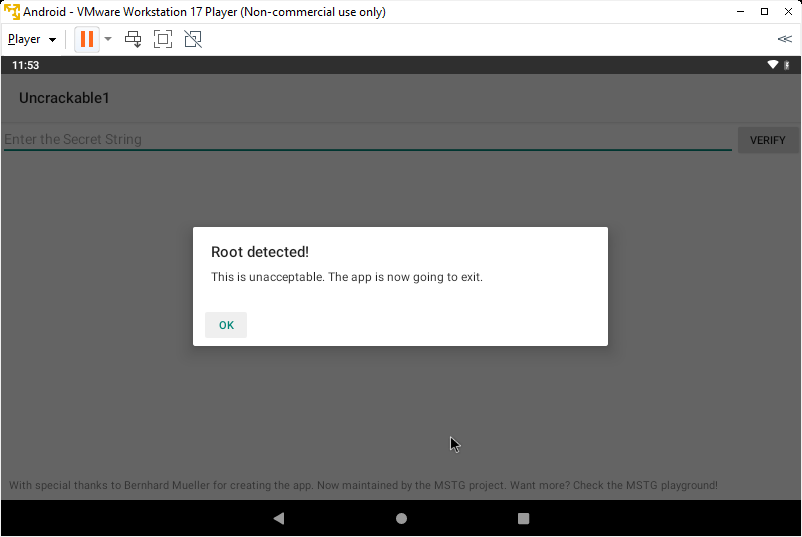
It refuses to run, complaining about the phone being rooted, as shown below.
Don't tap OK--leave the app running.
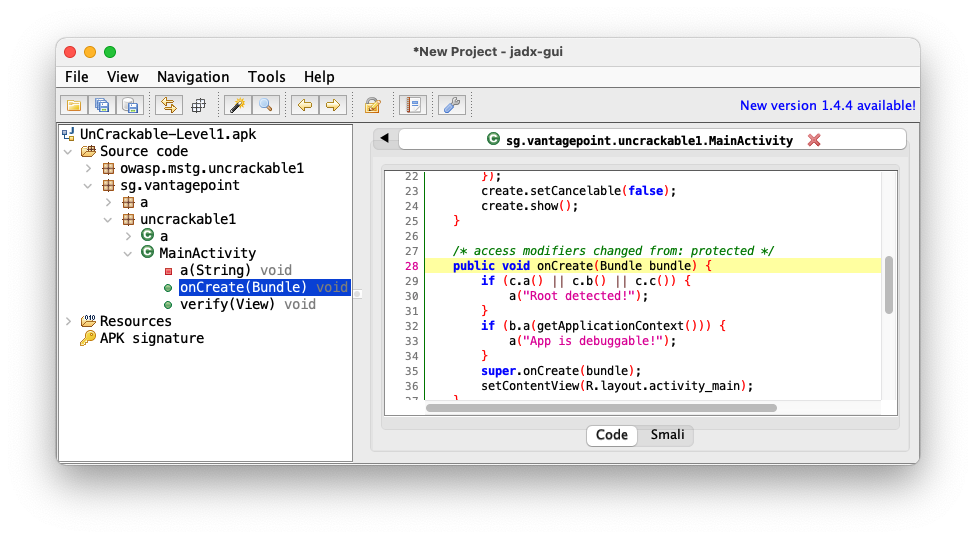
Navigate to the Main Activity and click OnCreate(Bundle), as shown below.
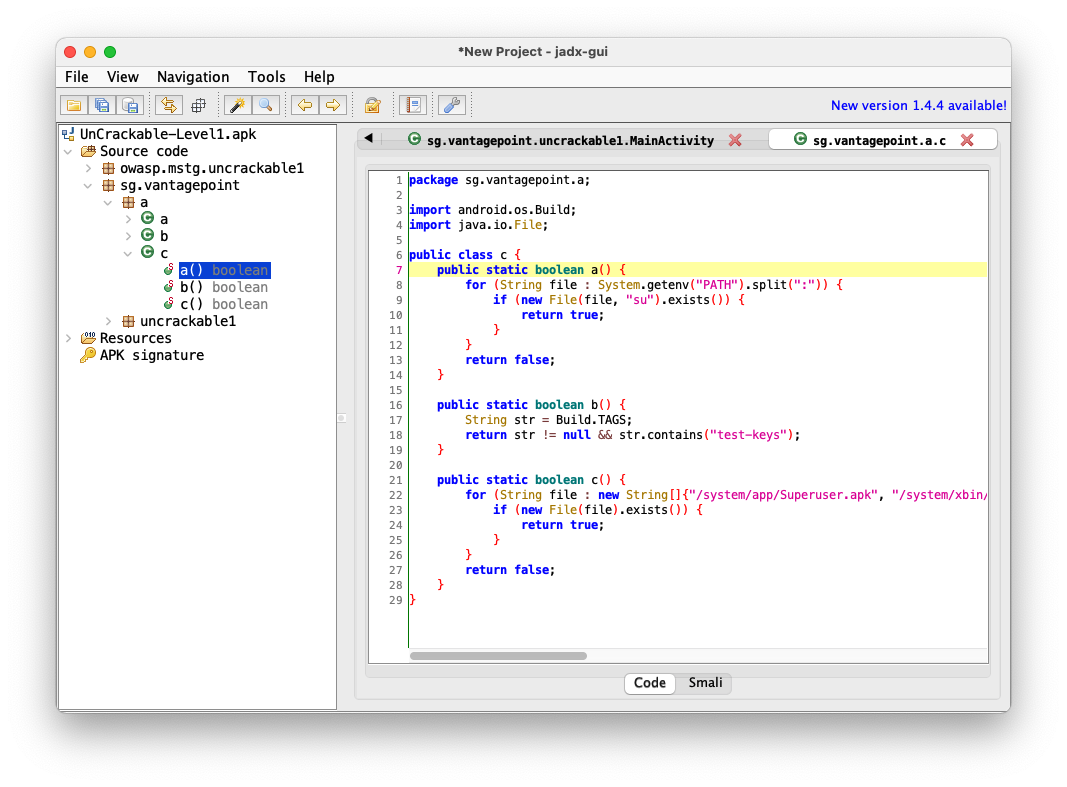
The root detection uses three functions: c.a(), c.b(), and c.c().
Navigate to sg.vantagepoint.a.c, as shown below.
The three functions: c.a(), c.b(), and c.c() are performing various tests to see if the phone is rooted.
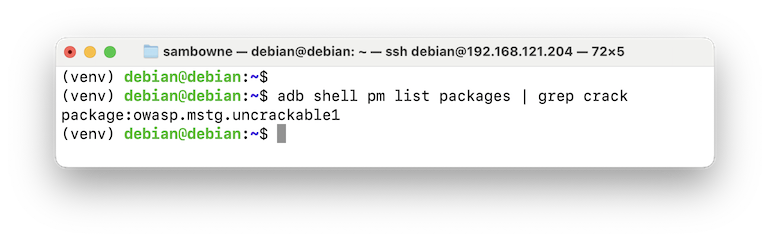
adb shell pm list packages | grep crack
The name is owasp.mstg.uncrackable1
nano disableRoot.js
This code will override the a, b, and c functions and always return false.
Java.perform(function() {

       var theClass = Java.use("sg.vantagepoint.a.c");

       theClass.a.implementation = function(v) {
            console.log("In function A");
             return false;
         }
       theClass.b.implementation = function(v) {
           console.log("In function B");
            return false;
        }
      theClass.c.implementation = function(v) {
           console.log("In function C");
            return false;
        }

       console.log("Exploit Complete")

})
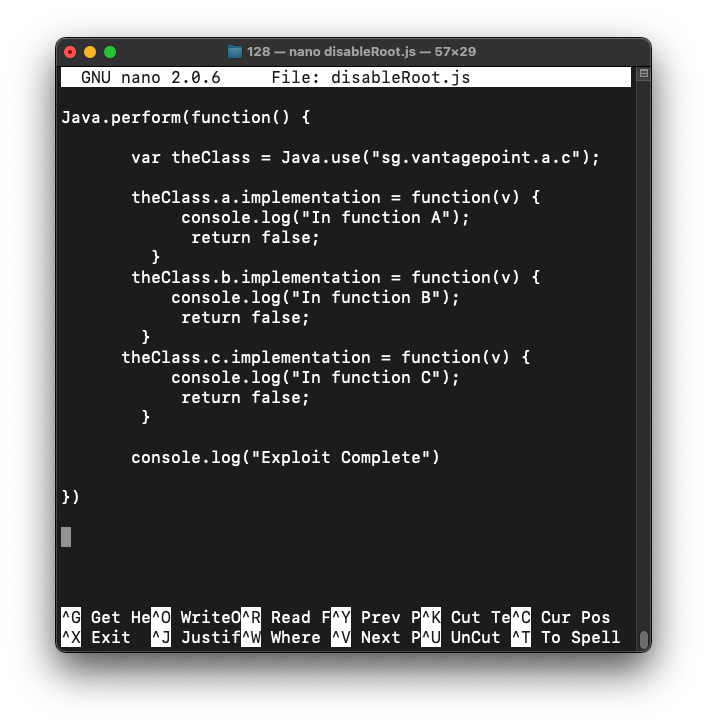
Type Ctrl+x, y, Enter to save the file.
On your Debian Linux system, in the window using the venv virtual environment, execute this command, replacing the IP address with the IP address of your Android emulator:
frida --host 192.168.30.131 -l disableRoot.js -f owasp.mstg.uncrackable1
M 513.1: Message
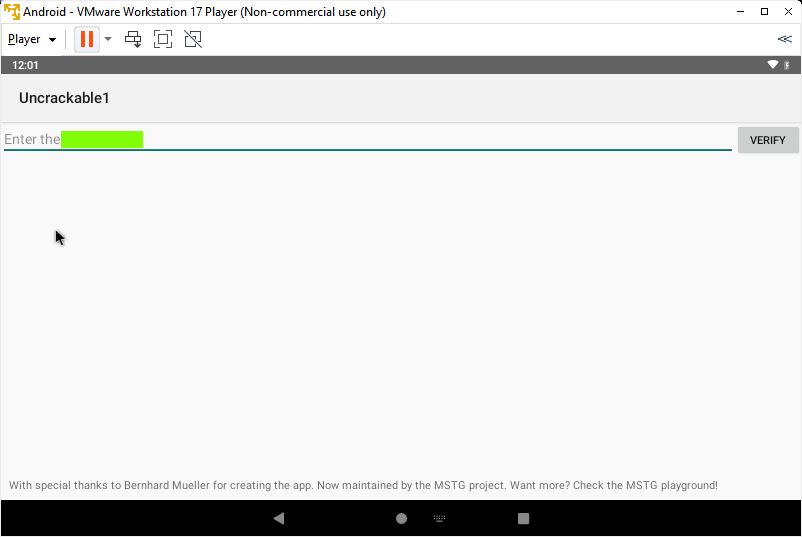
The app opens.The flag is covered by a green rectangle in the image below.
Updated 11-13-25