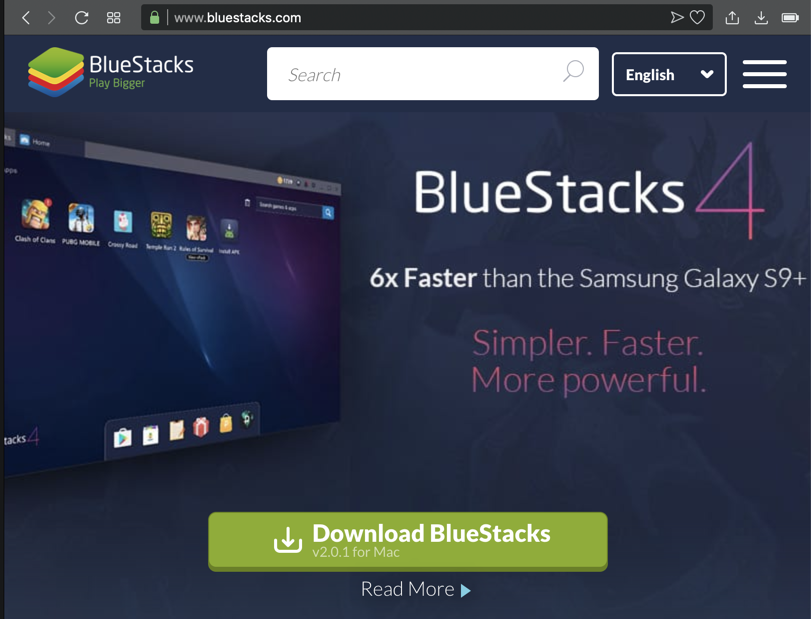
It runs fast and well on Windows.
Download and install it, as shown below.
You'll need to provide a Google login.
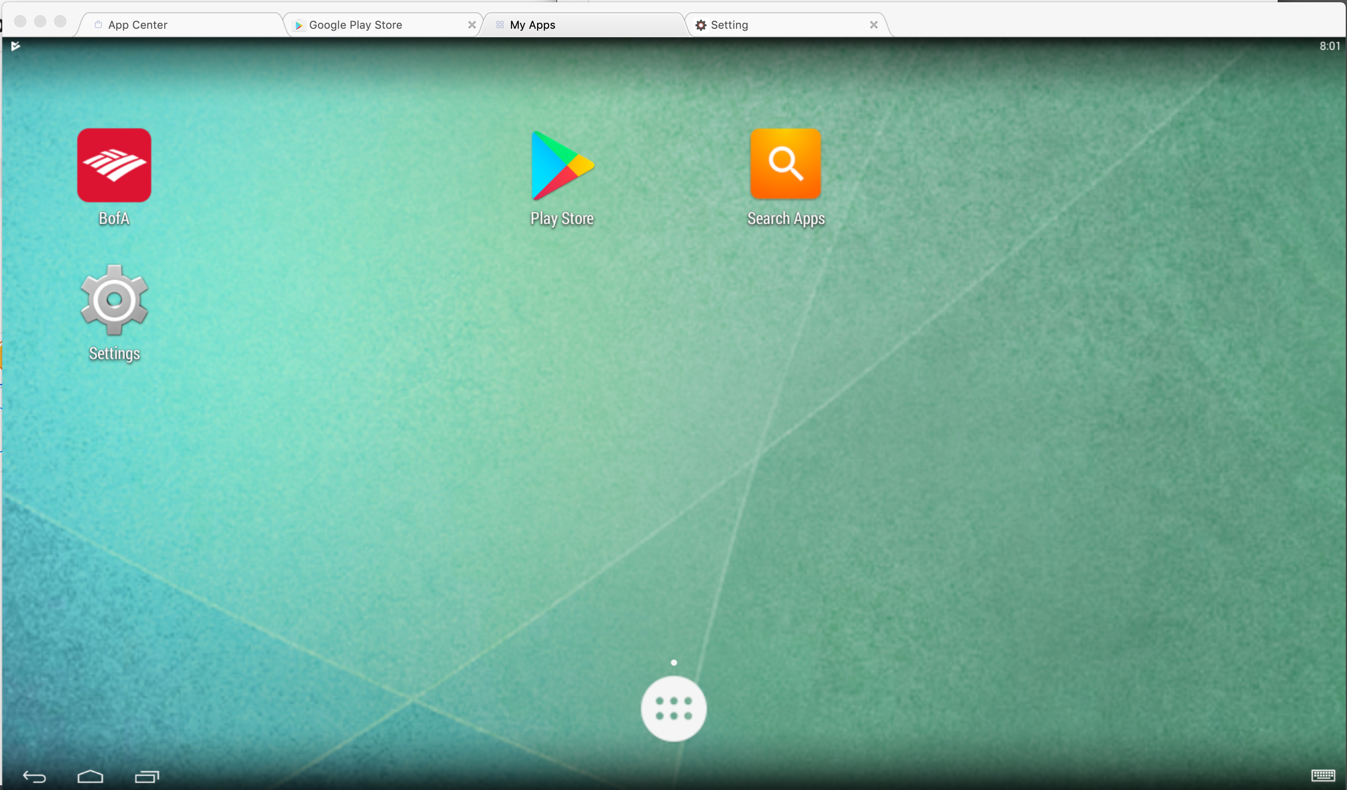
When it's done, you'll see the BlueStacks home page, as shown below. (You won't have the Bank of America app installed yet.)
Mac OS or Linux
Observing the Listening Port
On your host computer, execute this command:You should see a LISTENING port on the loopback address, as shown below.
Installing Socat
We need to forward that port to the Kali virtual machine with Socat.On a Mac OS machine, execute these commands to install Homebrew and Socat:
On Ubuntu Linux, execute these commands instead:Port Forwarding with Socat
Execute this command:The terminal freezes, waiting for traffic, as shown below.Leave this terminal window open.
Windows
Observing the Listening Port
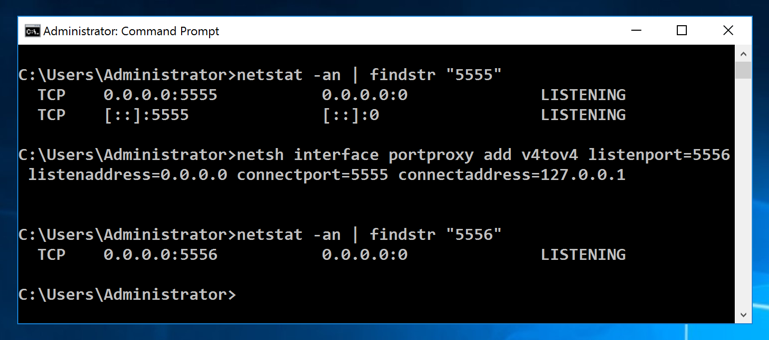
On your host computer, in a Command Prompt, execute this command:You should see a LISTENING port on the loopback address, as shown below.Port Forwarding
We need to forward that port to the Kali virtual machine with Socat. Execute this command:To see that it's working, execute this command:
ip addr
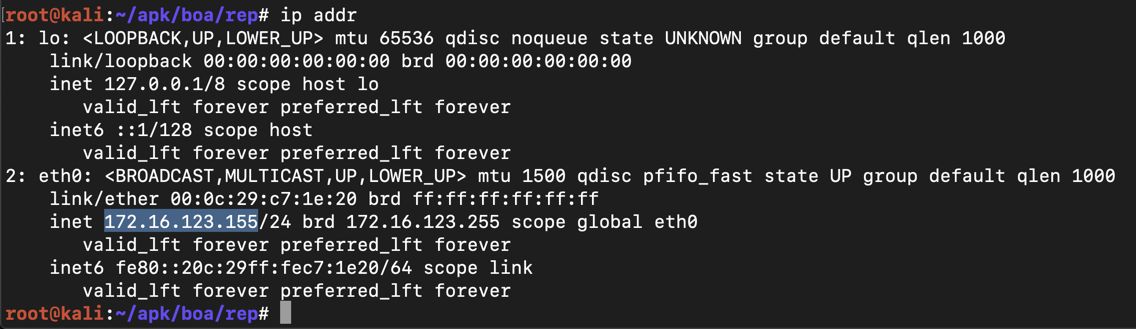
On the host computer, execute ifconfig or ipconfig and find the interface address that's on the same subnet as the Kali machine.
On my host, it was 172.16.123.1, as shown below.

apt update
apt install android-tools-adb -y
adb connect 172.16.123.1:5556
adb devices -l
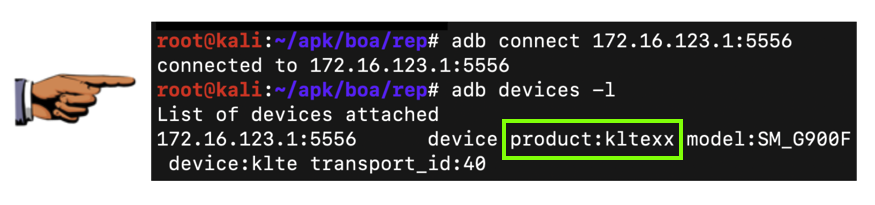
Save a full-desktop image. On a Mac, press Commmand+3. On a PC, press Shift+PrntScrn and paste into Paint.
YOU MUST SUBMIT A FULL-SCREEN IMAGE FOR FULL CREDIT!
Save the image with the filename "YOUR NAME Proj 4x", replacing "YOUR NAME" with your real name.