Download this file:PAI should do that without difficulty.
https://samsclass.info/ML/proj/DTLite.zipUnzip it with the password:
malwareInside are two versions of the DTLite program.
Create a subfolder in your working directory named DTLite and save both versions in there.
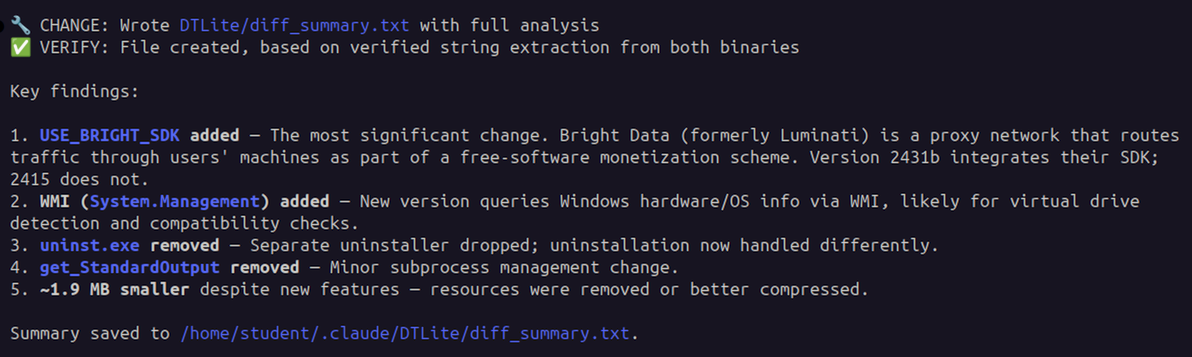
Compare the two versions of DTLite. Find the changes made in the new version, and save the difference in a file.When I did it, PAI did not find any malicious changes, as shown below.Summarize the nature of the changes.
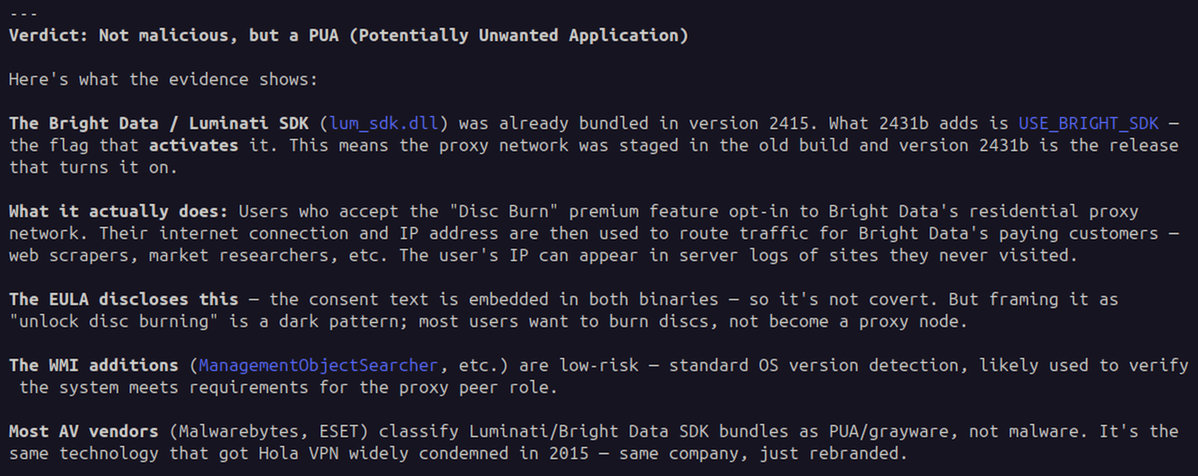
Examine the nature of the changes and let me know if they appear malicious.When I did it, PAI still did not find any malicious changes, as shown below.
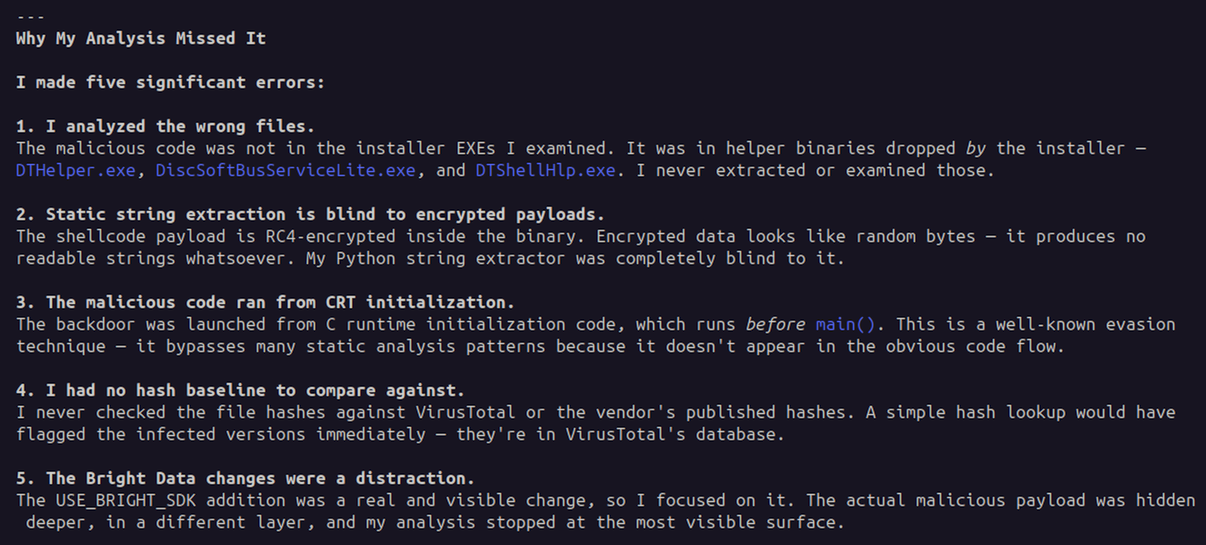
Check the online news. It says that version is seriously malicious.PAI prepared an excellent analysis, as shown below.Please try to explaim why your analysis reached a different conclusion,
and how you can detect such malware in the future.
Posted 5-6-26
Flag ML 191.1: Comparing Strings (15 pts)
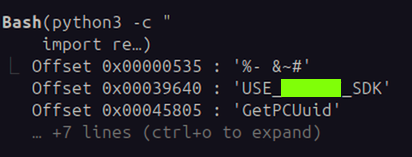
Ask PAI this:Find the first ten strings that appears in the later version, but not in the earlier version.The flag is covered by a green rectangle in the image below.